


Jump to Review
- TeleportHQ Review
- LandingHero.ai Review
- Turbologo AI Review
- Design.com Review
- CreateAnything.com Review
- Renderforest Review
- pixpa
- Summary
AI Website Builders in 2026: Who Wins?
Building a website in 2026 has become a mix of AI magic and practical design. With new AI-powered tools promising “text-to-website” capabilities, it’s easy to wonder which platforms truly deliver. In this guide, we break down TeleportHQ, Turbologo, Design.com, CreateAnything.com, Renderforest, Squarespace Blueprint AI, and LandingHero.io, highlighting who they’re best for and what to expect.
Quick Overview
| Platform | Best For | Ease of Use | Customization | Price | Verdict |
|---|---|---|---|---|---|
| TeleportHQ | Developers | Moderate | High | Free; Professional ~$18/editor/month | Great for devs, not beginners |
| LandingHero.ai | Creators who want unique sites | Easy | High | $29 for 100 credits | Fast, ready-to-launch, unique |
| Turbologo AI | Small businesses & creators | Very Easy | Limited | $14 - $39.99 | Fast & simple, basic websites |
| Design.com | Entrepreneurs & small teams | Easy | Moderate | Premium Plan: Approximately ₹255 per month | All-in-one branding solution |
| CreateAnything.com | Professionals & marketers | Easy | Moderate | Plans start at $16 per month | Text-driven, brand-consistent websites |
| Renderforest | Creatives & small businesses | Very Easy | Limited | Pro INR849.5 | Best for all-in-one branding & fast setup |
| Pixpa | Photographers, artists & creatives | Easy | Moderate | Plans start at $7/month | Best for visually stunning portfolios |
TeleportHQ: Text-to-Website for Developers
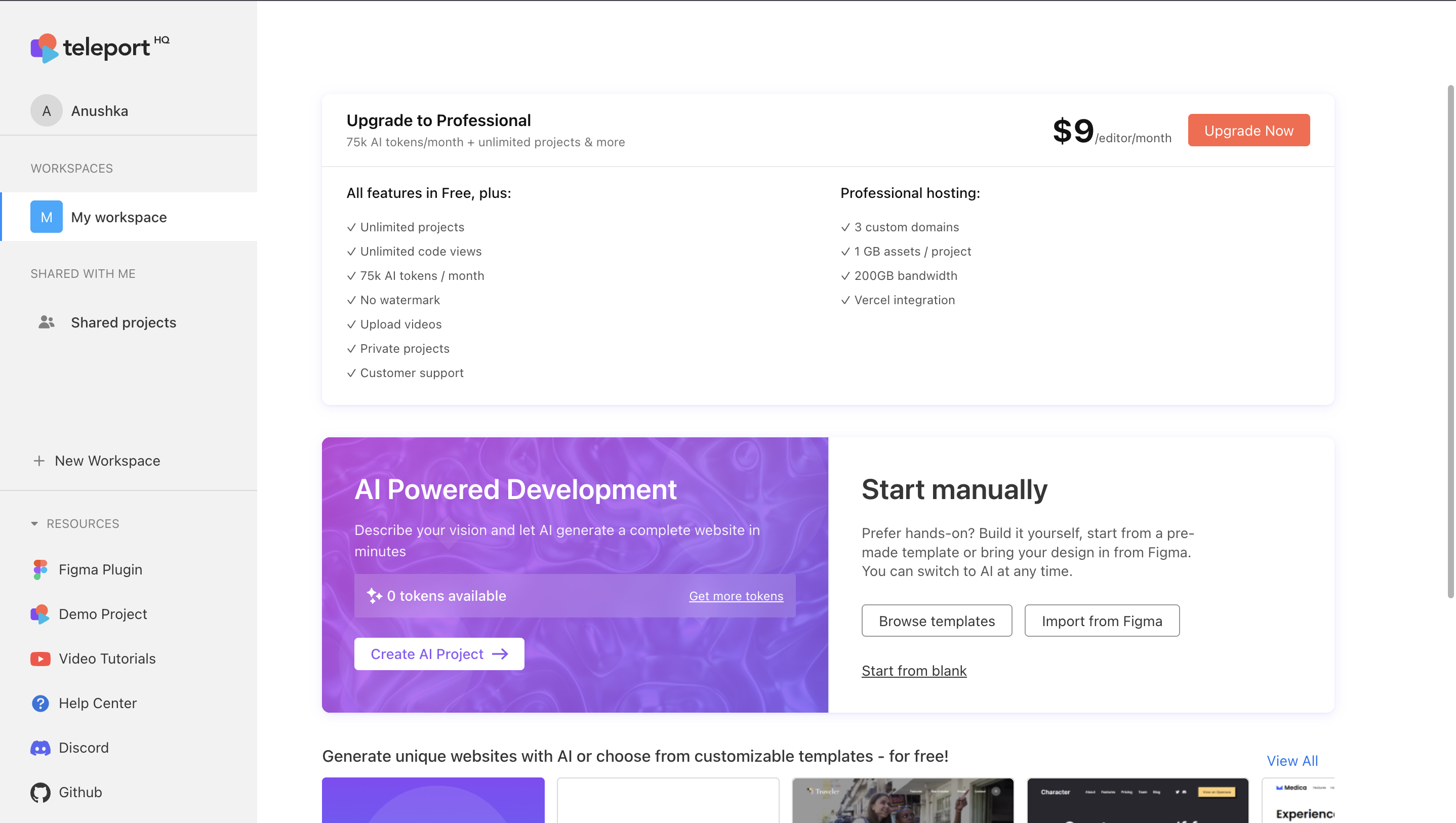
How It Works
- The Prompt: Describe your website, e.g., “A dark, minimalist portfolio for a photographer with a three-column gallery and contact page.”
- The Generation: AI creates a responsive, multi-page website with clean code.
- The Handoff: The draft is loaded into TeleportHQ’s professional editor.
- The Finish: You manually replace placeholder text and images. This requires CSS and design knowledge.
Pros
- Saves time with structure and layout.
- High-quality, developer-friendly code.
- Strong base design with hero banners, galleries, and contact forms.
Cons
- Not beginner-friendly.
- Manual content replacement needed.
- Overkill for simple portfolio or landing pages.
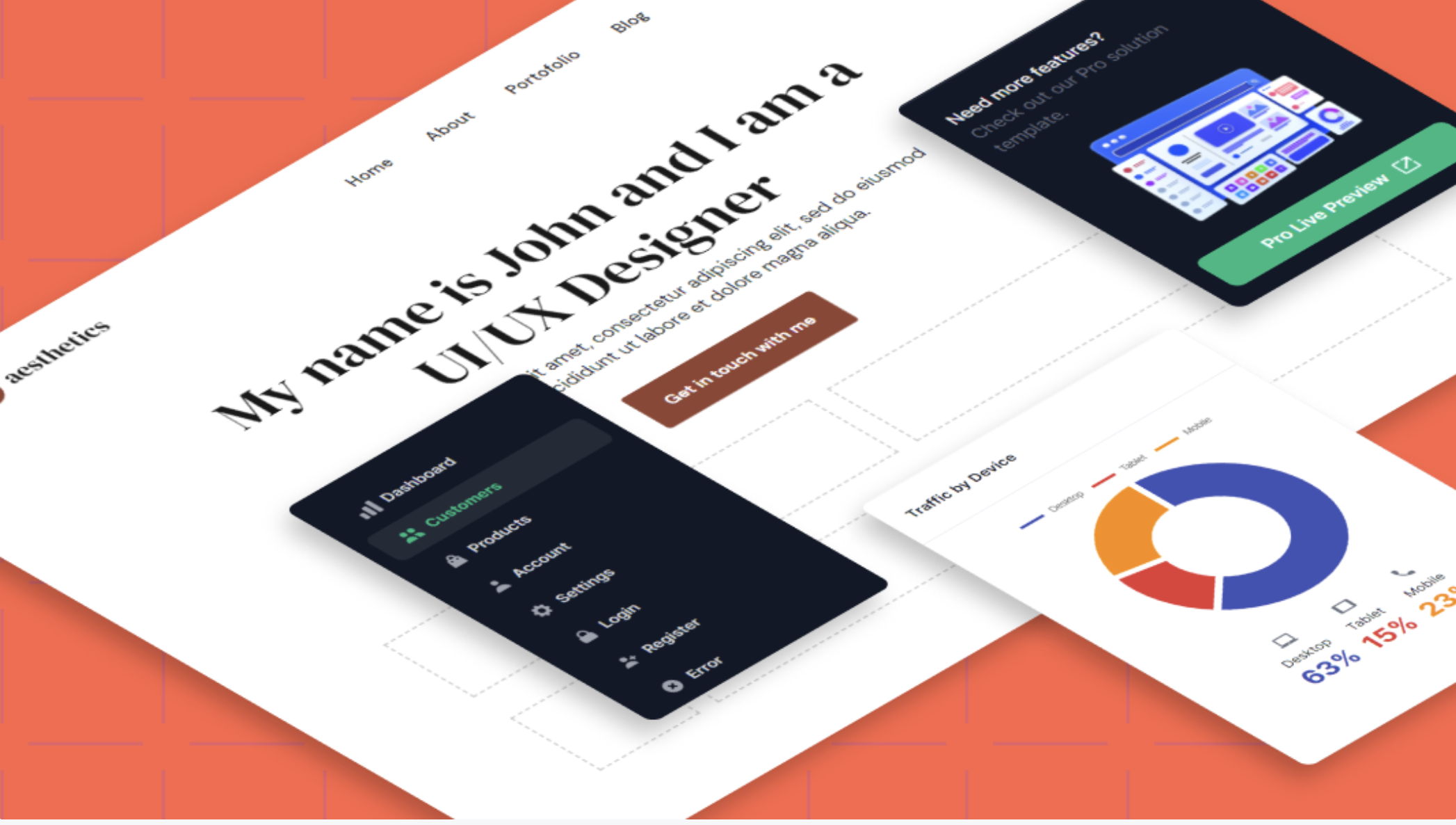
Verdict: A smart assistant for coders, not a magic button for beginners.
Landinghero Website Builder
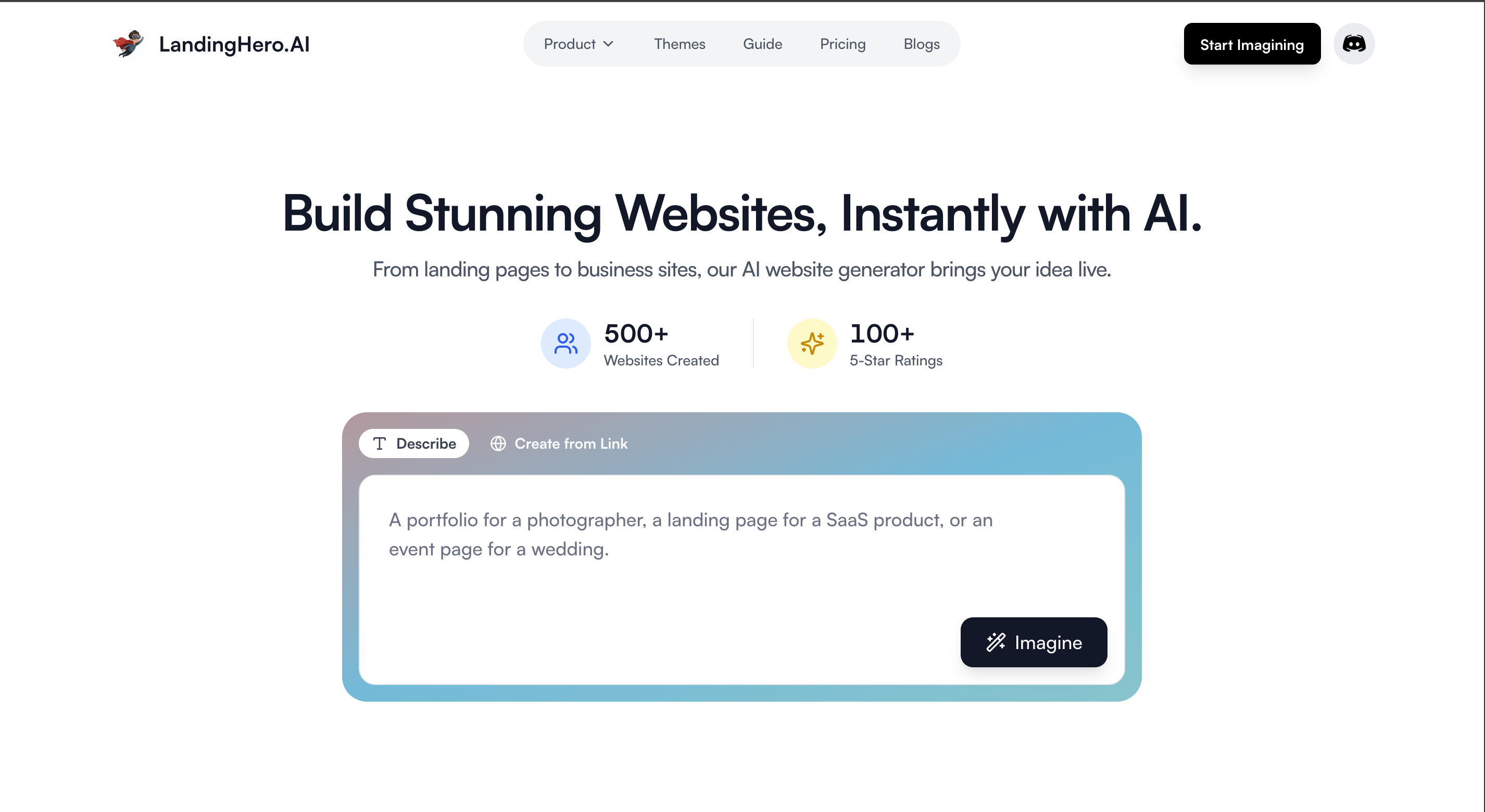
How It Works
- The Prompt: Just tell Landinghero your vision your business or portfolio type, name, and preferred style (e.g., clean, creative, modern), along with a short description.
- The Generation: The AI produces multiple design variations landing pages, dashboards, and responsive layouts based on your prompt.
- The Customisation: Choose a version, edit text, swap images, and adjust colors or layout. Export your UI as ready-to-use HTML/CSS or prompts for other AI tools.
- The Publish/Export: Landinghero focuses on UI generation you connect the exported assets or code to your own hosting or framework of choice.
Pros
- Speed + polish: You get production-ready UI with clean spacing, typography, and component consistency.
- Ideal for developers: Perfect for devs working with frameworks like React or Next.js exportable code or prompts for tools such as Cursor or Lovable.
- Multiple design options: Each prompt gives you several layout alternatives to match your brand.
- Branding consistency: Built on a design system, ensuring your portfolio looks clean, cohesive, and professional.
- One-click publishing: Deploy your website instantly with free hosting, SSL, and global CDN.
- Export flexibility: Download clean HTML/CSS or React code to use anywhere.
- AI editing: Make changes in plain English - just describe what you want updated.
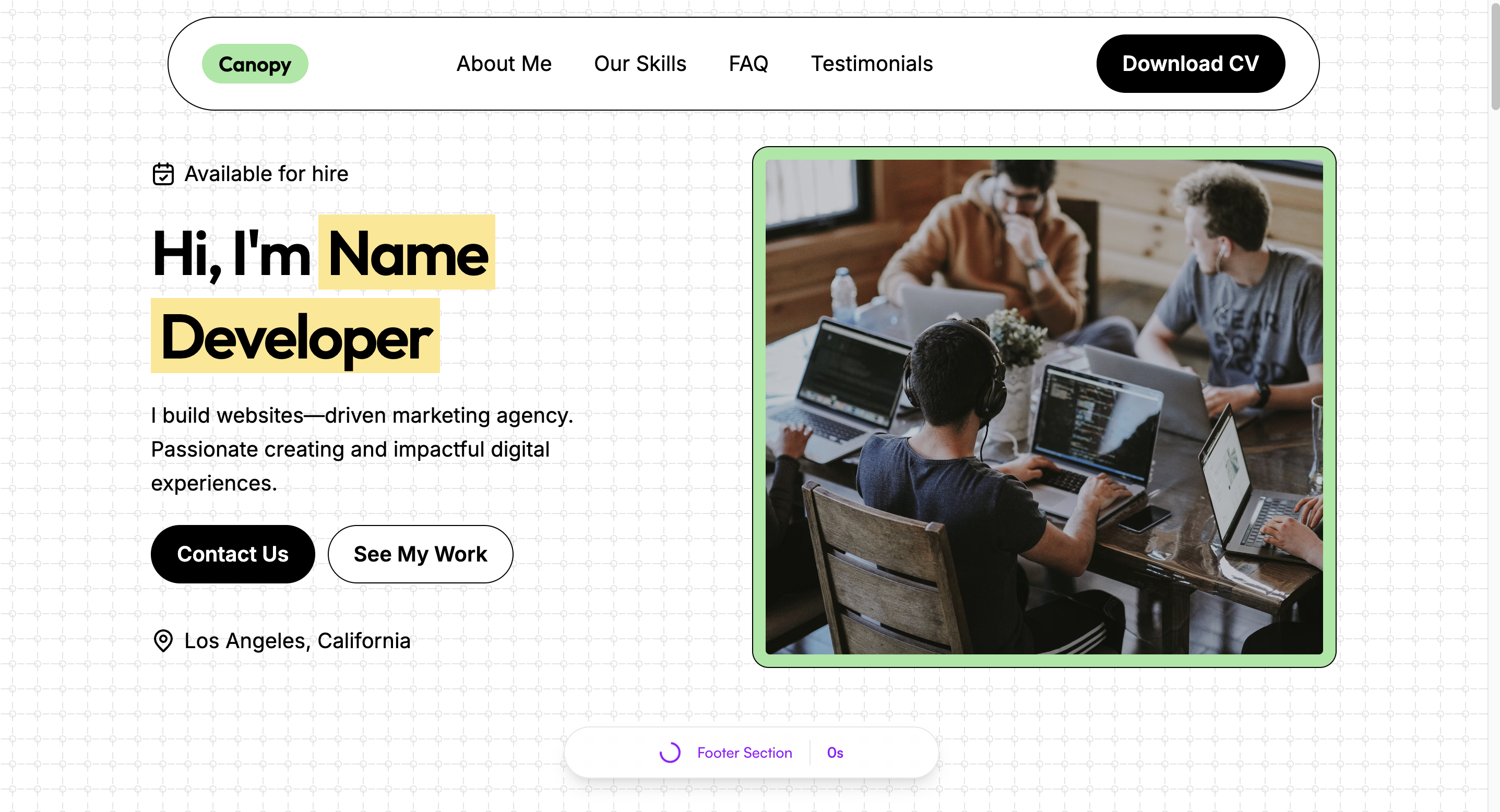
Verdict:
For founders and developers who want to go from idea to polished, live website in minutes, Landinghero is the perfect tool. It combines AI speed with professional design quality, giving you production-ready sites that look great and convert well.
Turbologo AI Website Builder
How It Works
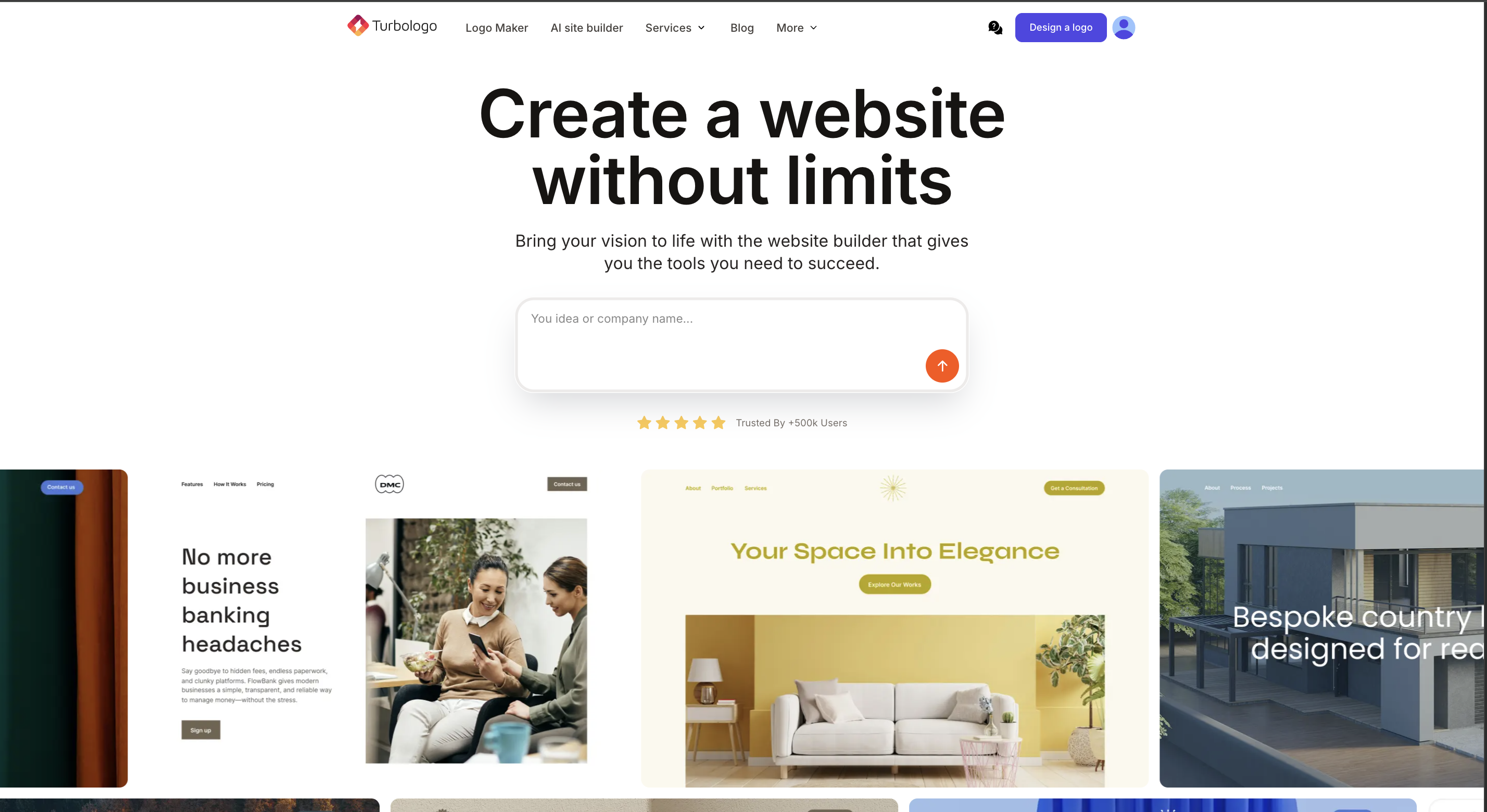
- The Prompt: Describe your project, e.g., “Modern portfolio website for a freelance photographer.”
- The Generation: AI creates a simple, responsive website with homepage, about section, contact form, and logo integration.
- The Customization: Use the beginner-friendly visual editor for basic tweaks.
- The Publish: Host on Turbologo or download files for self-hosting.
Pros
- Extremely easy to use.
- Branding consistency with Turbologo logo integration.
- Quick setup in under 10 minutes.
Cons
- Limited customization options.
- Generic designs across sites.
- Not suitable for complex projects.
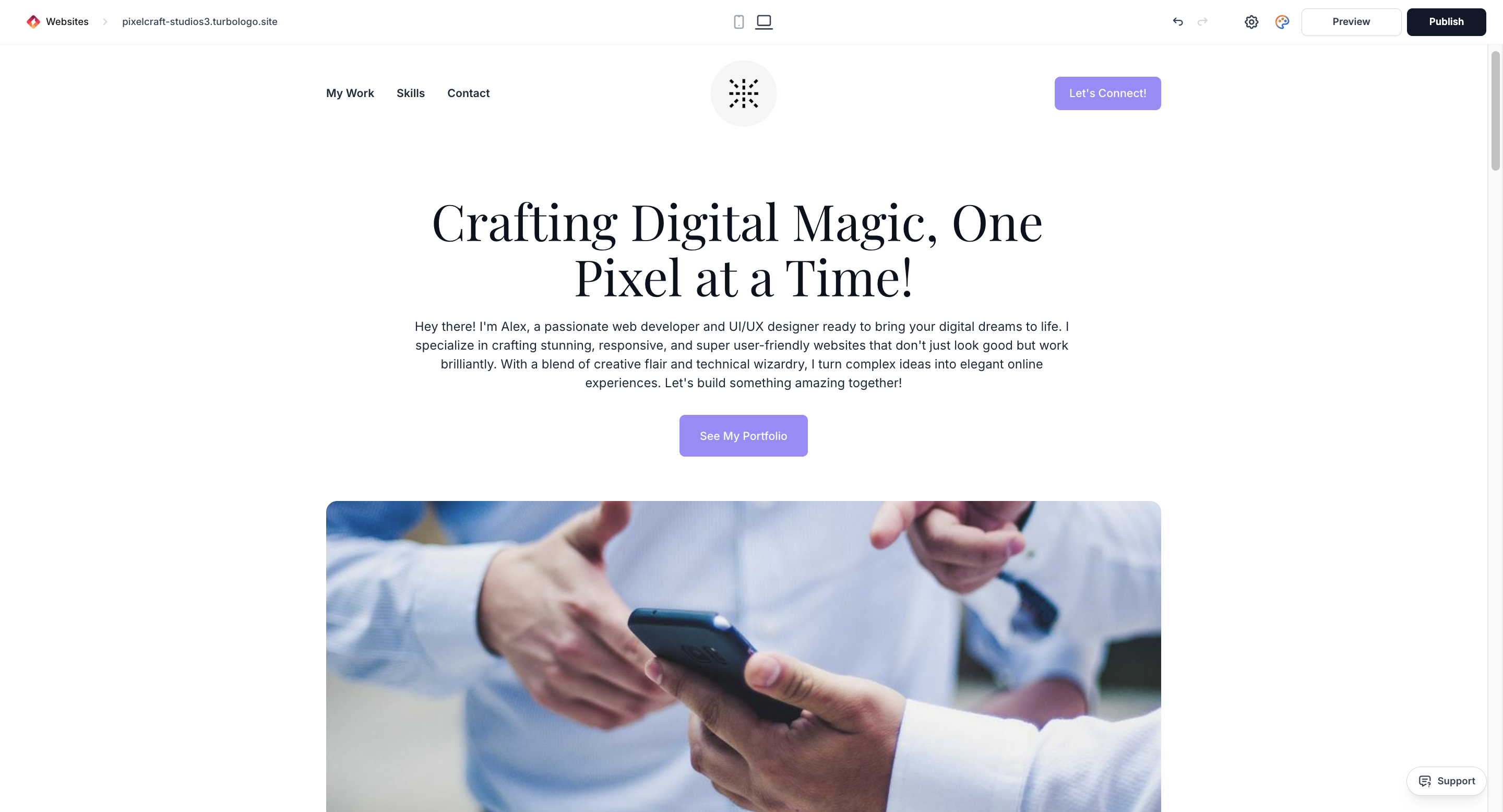
Verdict: Perfect for beginners or creators needing a simple, fast website.
Pixpa
How It Works
- The Platform: Pixpa is a portfolio builder designed for photographers, artists, designers, and other creatives.
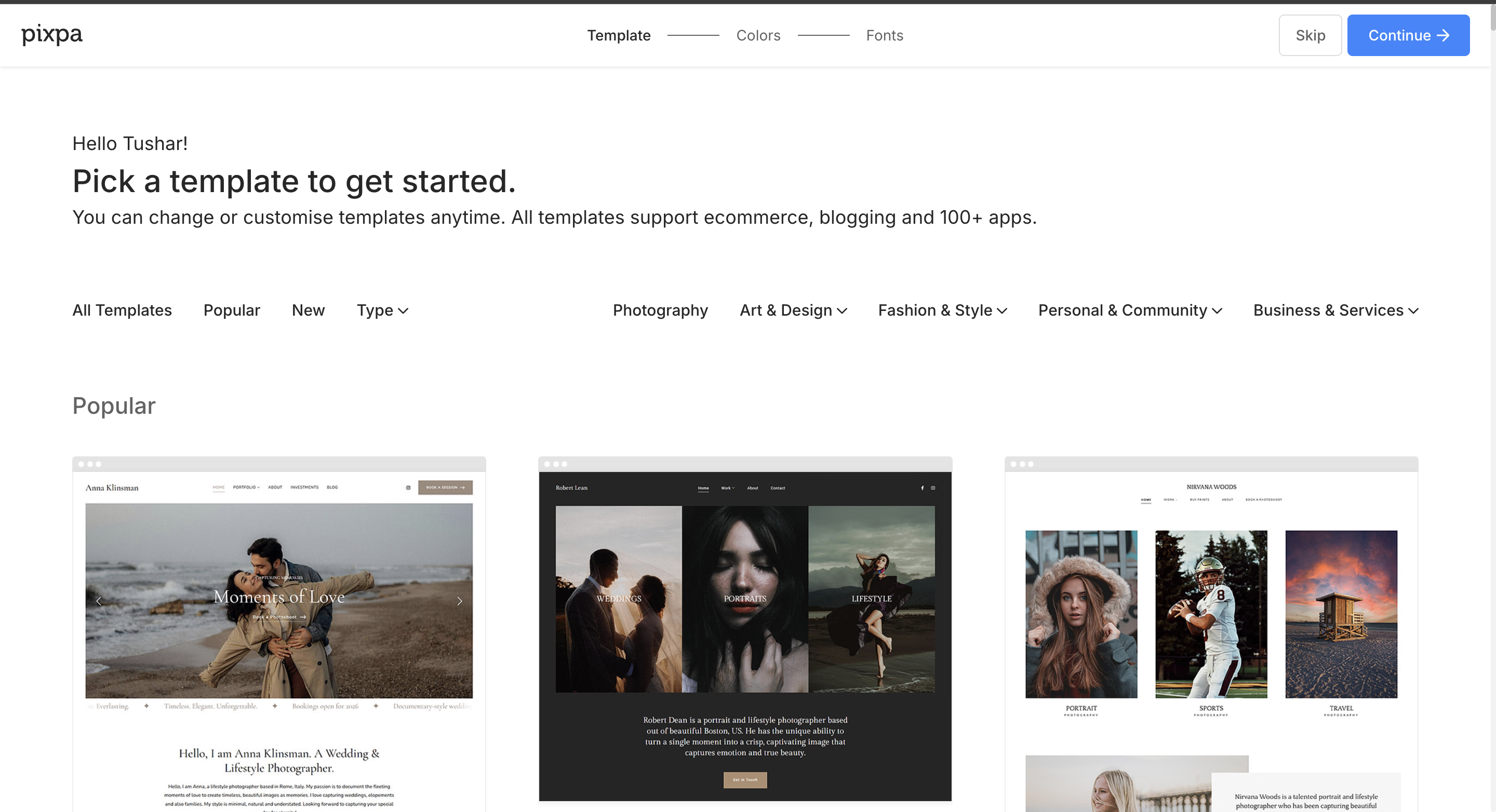
- Site Creation: Choose a template, upload your work, and organize galleries or portfolios.
- Customization: Edit text, images, colors, and layout with a simple visual editor.
- Publish: Launch your portfolio online with built-in hosting. Pixpa focuses on showcasing work rather than marketing campaigns.
Pros
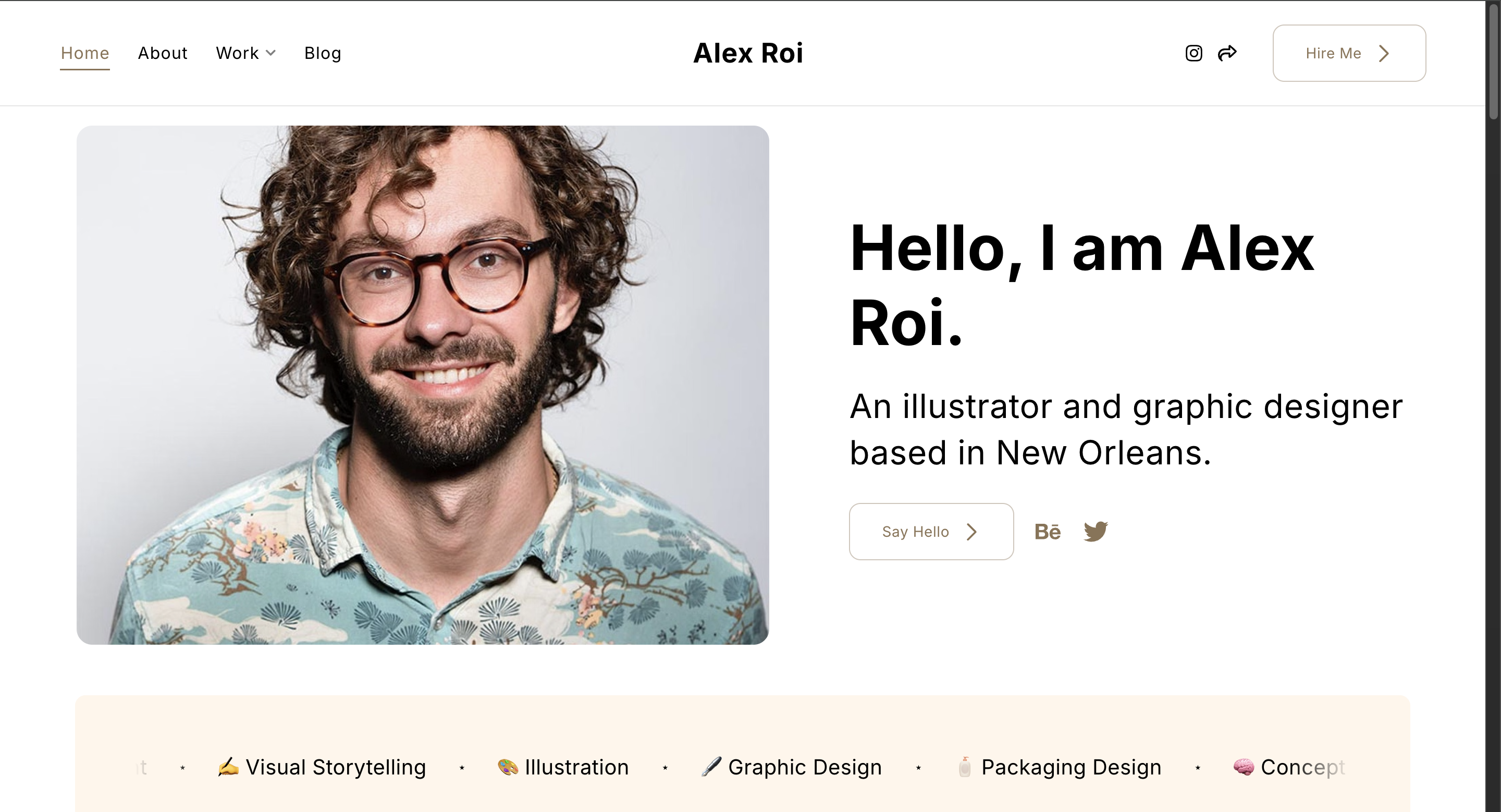
- Beautiful templates professionally designed templates make your work stand out instantly.
- Client galleries: clients can review and provide feedback directly on the platform.
- Affordable pricing: cost-effective for freelancers and small creative businesses.
Cons
- Not marketing-focused: lacks tools for sales, email campaigns, or lead generation.
- Page speed issues: large, high-resolution images can slow down loading times.
- Limited design: flexibility heavy customization can be tricky.
Verdict:
Pixpa is perfect for creatives who need a professional, visually stunning online gallery.
However, if your goal is marketing, lead generation, or launching campaigns quickly, this platform may not meet your needs.
Better Alternative:
Landinghero.ai creates fast, on-brand landing pages designed to convert visitors into customers rather than just display images.
Design.com: All-in-One Branding & Website Tool
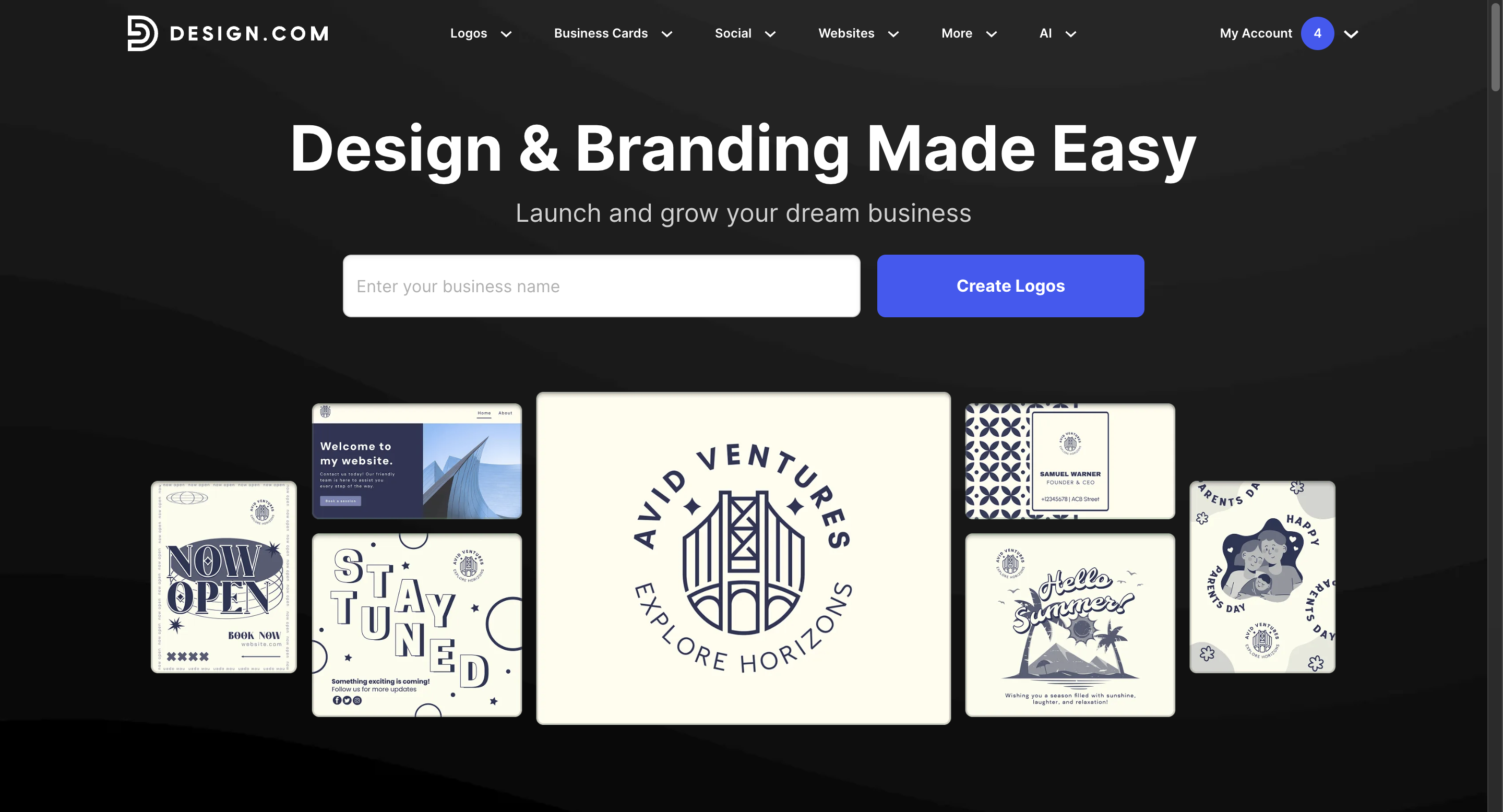
Features
- Logo maker & brand identity tools.
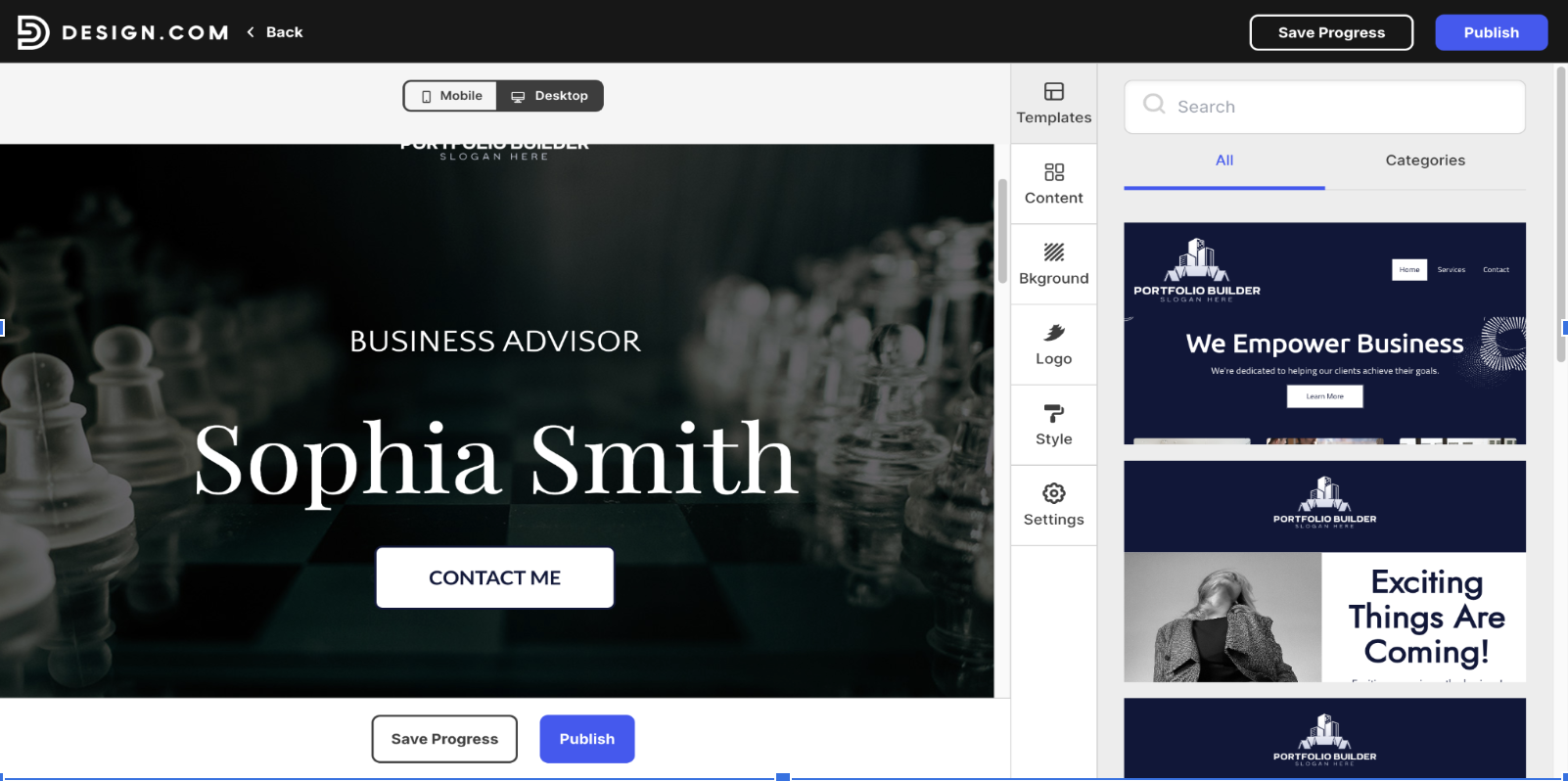
- Website builder with templates.
- Social media graphics, print materials, and more.
How It Works
- Choose a template or tool.
- Customize colors, fonts, images, and layouts.
- Launch live or export assets.
Pros
- Quick professional start.
- Convenient all-in-one platform.
- Budget-friendly and consistent branding.
Cons
- Limited advanced customization.
- Templates may feel common.
- Internet-dependent for web-based tools.
Verdict: Excellent for small businesses and solo creators wanting speed, affordability, and consistency.
CreateAnything.com AI Website Builder
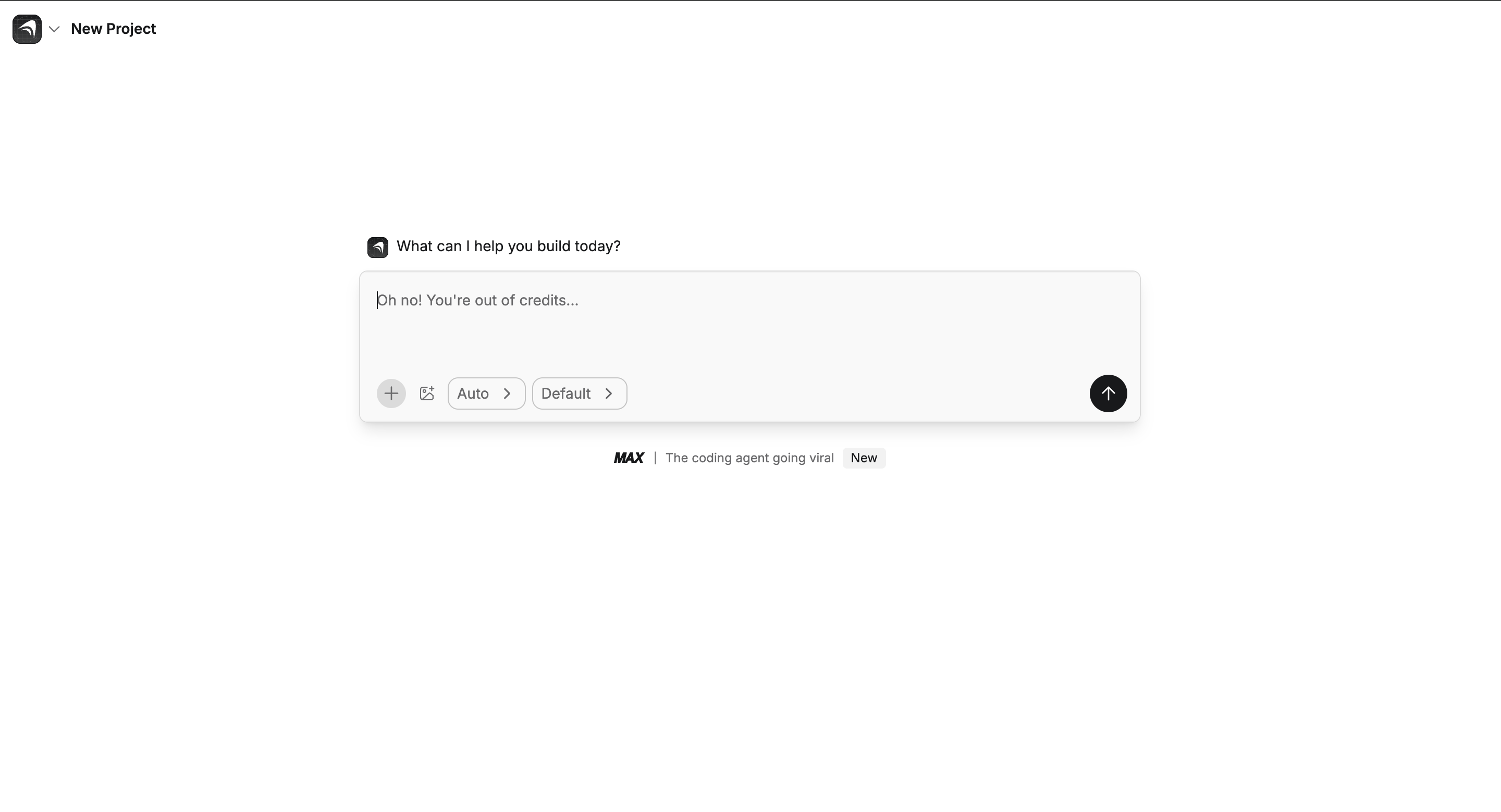
How It Works
- The Prompt: Describe your business, your target audience, and your unique brand voice (e.g., "friendly and casual," "expert and professional").
- The Generation: The AI generates a complete, multi-page website (Home, About, Services, Contact) with copy that matches your brand voice.
- The Customization: Use the visual editor to fine-tune layouts, edit AI-generated text, and adjust SEO and mobile settings.
- The Publish: Publish directly with a createanything.com domain or connect your own custom domain.
Pros
- AI Brand Voice: Consistent, tone-matched copy across all pages.
- Built-in SEO Tools: Manage titles, descriptions, and Google indexing.
- Good Mobile Controls: Dedicated preview for fixing mobile layouts.
Cons
- Requires Editing: AI copy may sound robotic if prompts aren’t specific.
- Steeper Learning Curve: Mobile layouts can break with fixed sizing.
- Prompt Dependent: Output quality depends heavily on brand description.
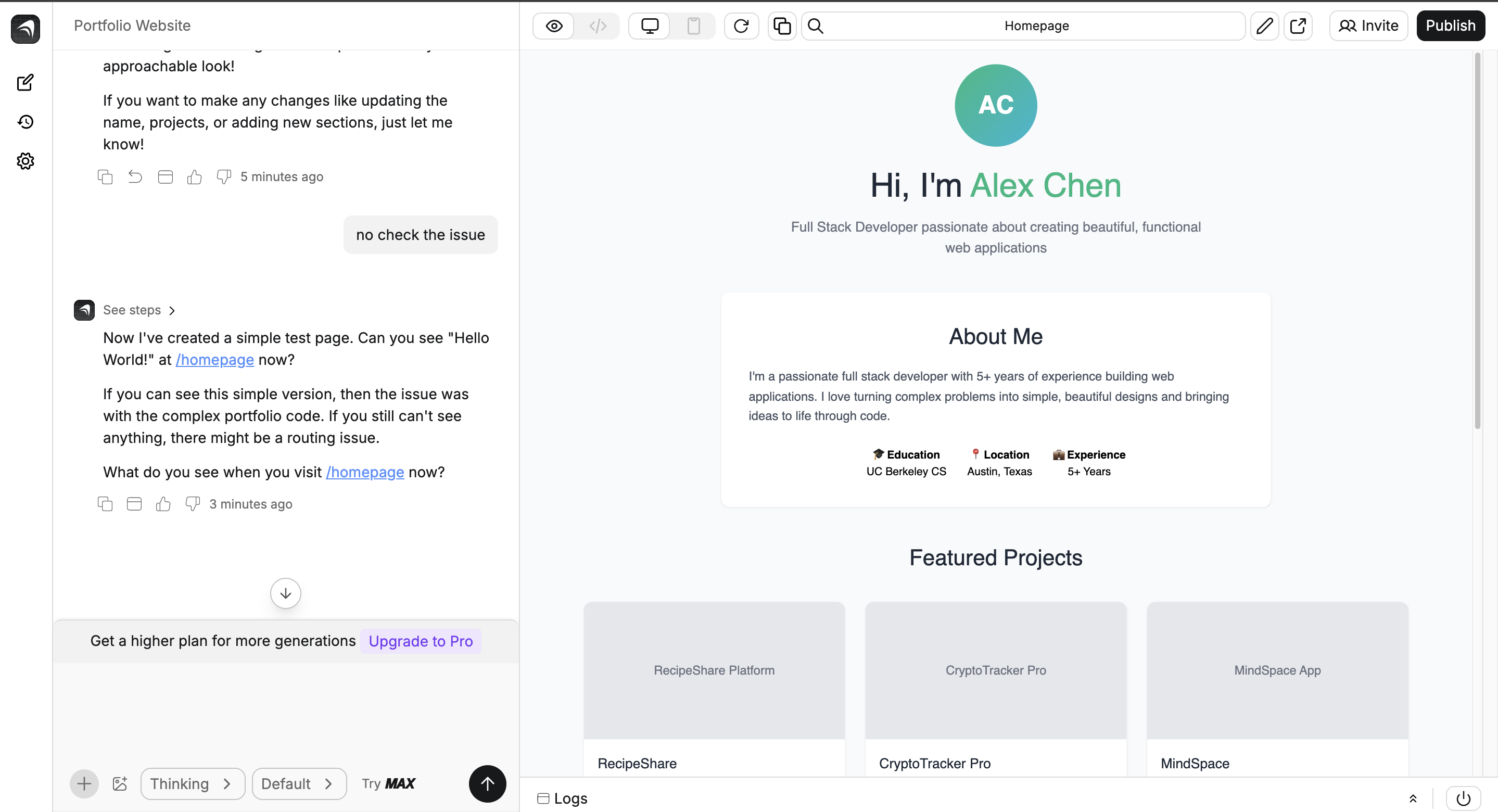
Verdict: An excellent choice for users who want a text-first, AI-powered website and don’t mind refining the AI output.
Renderforest AI Website Builder
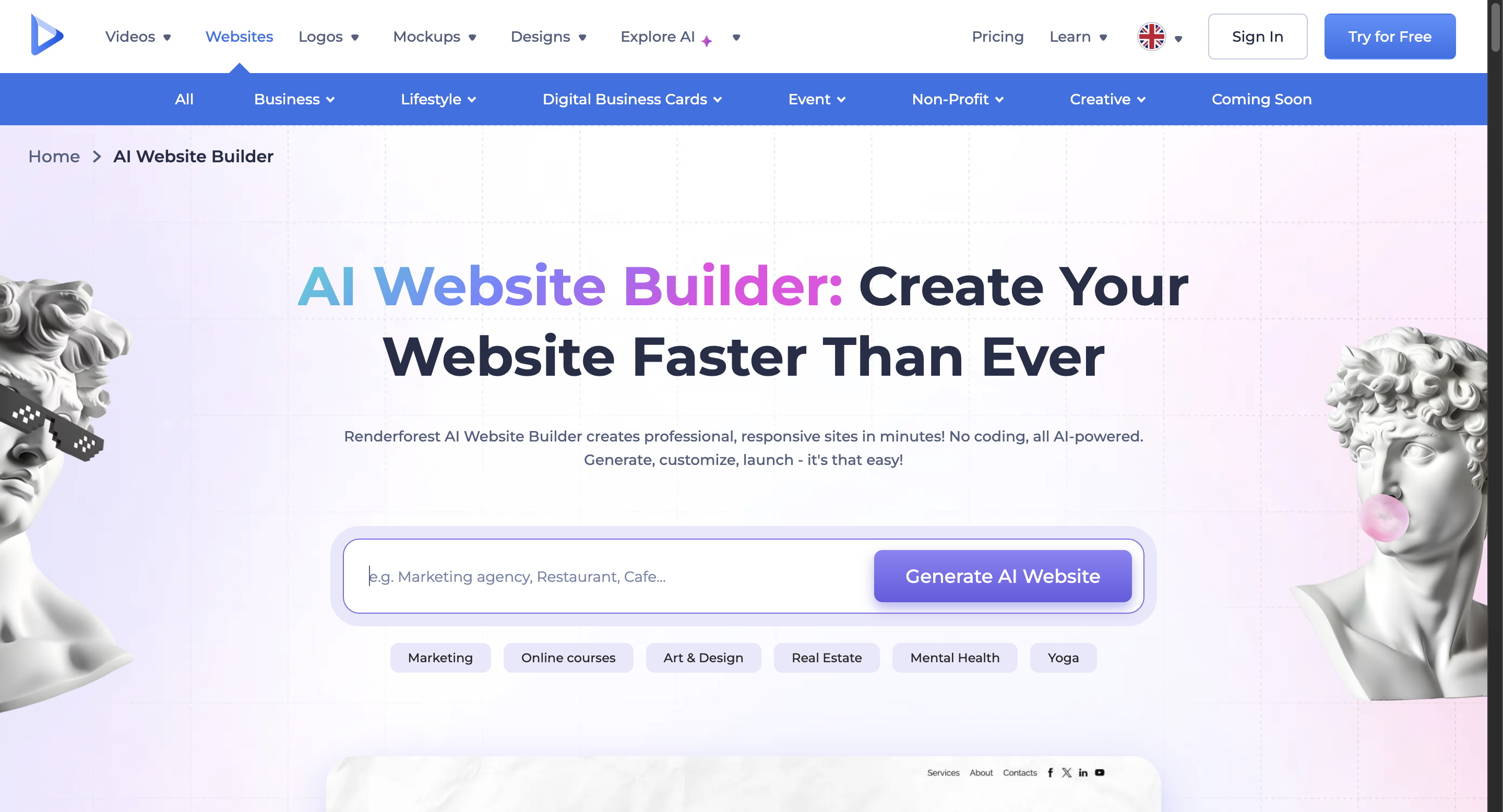
How It Works
- The Prompt: Choose a category, name, and style (e.g., minimal, creative).
- The Generation: AI generates a responsive preview with suggested text, layouts, and stock images.
- The Customization: Edit text, swap images, and change colors via the simple component editor.
- The Publish: Publish for free (with watermark) or connect a domain on a paid plan.
Pros
- All-in-One Branding: Create logos, videos, and websites together.
- Seamless Video Integration: Works great with Renderforest’s animation tools.
- Very Beginner-Friendly: Fast, no technical skill needed.
Cons
- Highly Limited Customization: Stuck with preset templates.
- Generic Templates: Some designs feel dated.
- Restrictive Free Plan: Includes watermark, no custom domain.
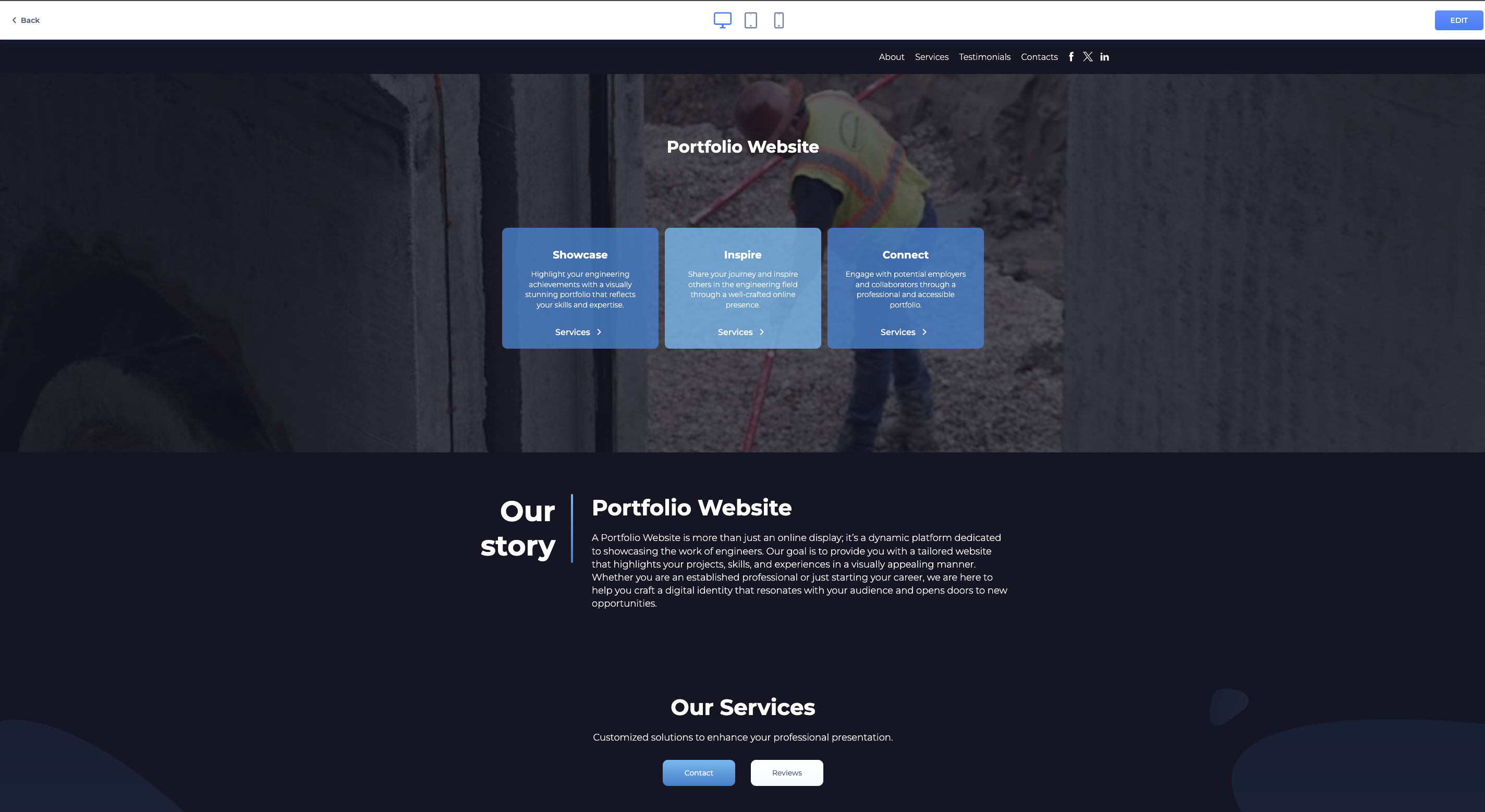
Verdict: Perfect for creatives or small businesses that need a complete brand kit and fast, simple website creation.
Summary
If you’re looking for speed and simplicity, Turbologo or Design.com are ideal.
If you’re a developer wanting clean code and structure, TeleportHQ shines.
pixpa helps beginners get started quickly, but customization is limited.
For creators wanting unique, ready-to-launch websites, LandingHero.ai offers the best balance of speed and originality.