

Jump to Review
- Wix AI Website Builder
- LandingHero.ai
- Landingsite AI Website Builder
- Webflow AI
- Durable AI
- 10Web AI
- CodeDesign AI
- Jimdo Dolphin AI
- Dorik AI
- Chariot AI
- AI Website Builders Comparison
- Final Thoughts
Wix AI Website Builder Review (2026)
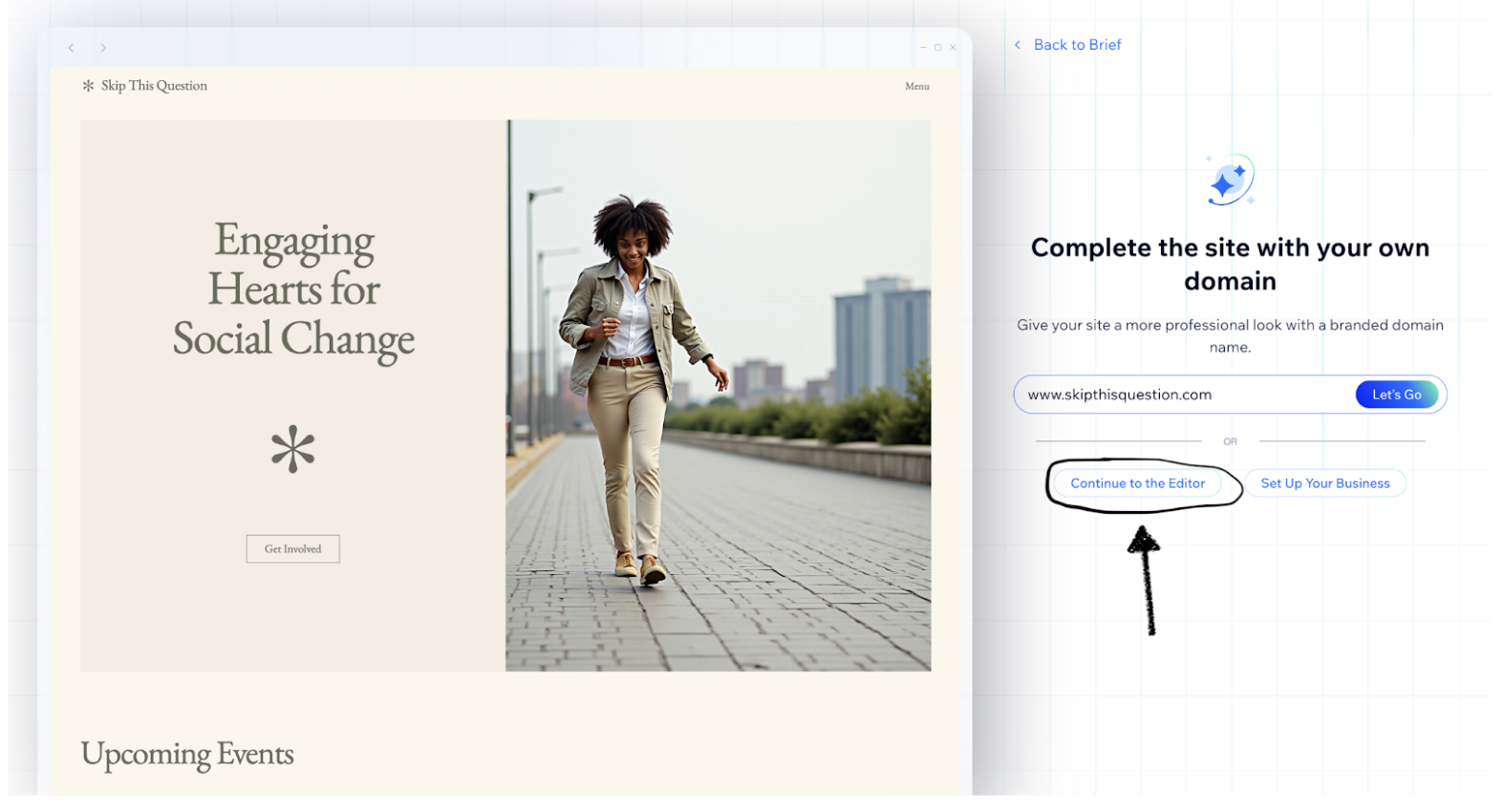
If you’re planning to build a website, you’ve probably heard of Wix. Their new Wix AI Website Builder has replaced the old ADI system and claims it can make a full website in just minutes. Since our company, landinghero.ai, specializes in AI-powered web design, we decided to test it out.
The new Wix tool works like a smart chatbot: describe your business and goals, and the AI instantly builds a unique, multi-page website draft. After the AI creates your website draft, Wix lets you edit it fully using its regular editor.
The Pros Of Wix AI Website Builder
- It Fixes the Blank Page Problem: AI generates layouts, text, and images in minutes.
- Full Editing Power: Use the classic editor to customize everything.
- Perfect for Beginners: Step-by-step guidance for a professional look.
The Cons Of Wix AI Website Builder
- AI to Complex Editor: Overwhelming classic editor after AI builds 80% of the site.
- You’ll Still Need to Rewrite Content: AI text may sound generic.
- Locked to Wix’s Platform: Cannot export code easily.
Final Verdict
Wix AI Website Builder combines AI speed with hands-on editing.
If that suits your workflow, try landinghero.ai.
LandingHero.ai Review (2026)
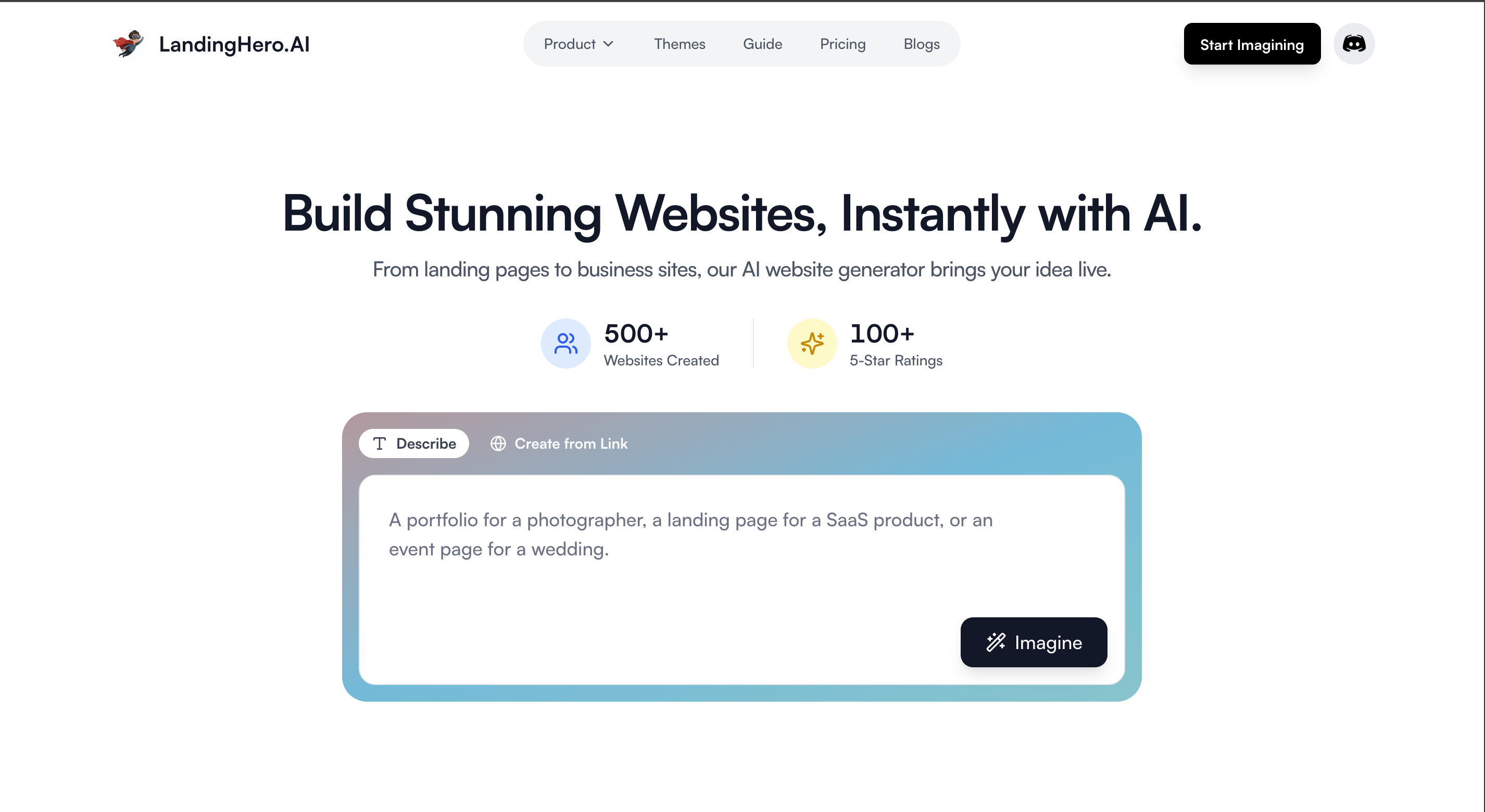
LandingHero.ai is an AI-powered website builder designed for speed and quality. It creates professional landing pages, portfolios, and business sites in minutes, combining AI generation with instant publishing and code export capabilities.
The Pros Of LandingHero.ai
- Lightning-Fast Generation: Get multiple design options in seconds from a single prompt.
- One-Click Publishing: Deploy instantly with free hosting, SSL, and global CDN.
- Export Flexibility: Download clean HTML/CSS or React code to use anywhere.
- AI Editing: Make changes in plain English - just describe what you want updated.
- Professional Designs: Built on a design system for consistent, polished results.
- Multiple Variations: Choose from several design options for each prompt.
- Custom Domains: Connect your own domain easily.
Final Verdict
Perfect for marketers, founders, and developers who need professional websites fast. LandingHero.ai delivers production-ready sites that look great and convert well, without the complexity of traditional builders.
Landingsite AI Website Builder Review (2026)
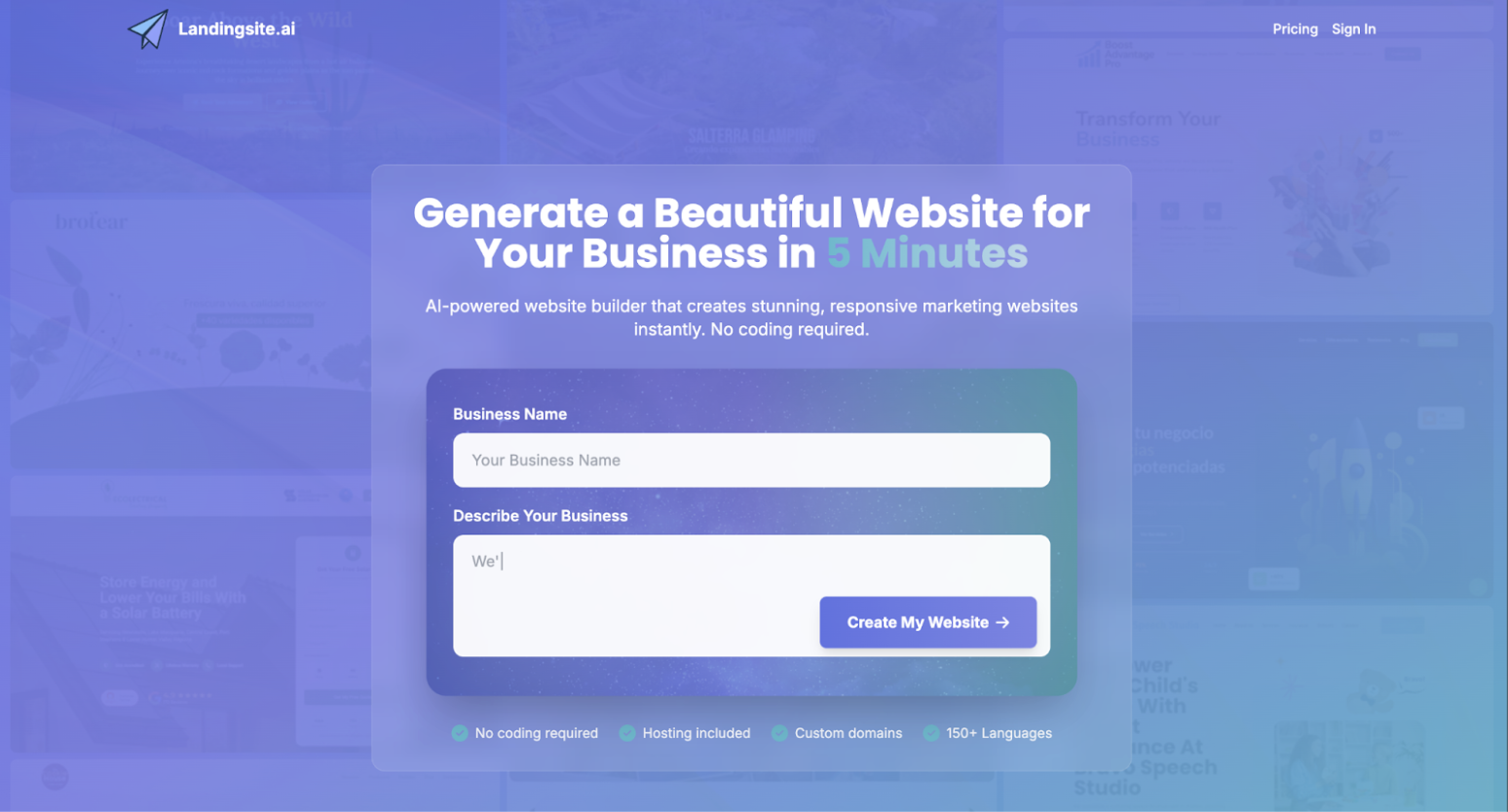
The Pros Of Landingsite AI Website Builder
- Super Fast Results: Working draft ready in minutes.
- Simple and Focused: Clean interface with essential tools only.
- Conversion-Ready Layouts: Includes CTAs, benefits, and forms.
The Cons Of Landingsite AI Website Builder
- Only for Landing Pages: Not suitable for multi-page sites.
- Limited Customization: Basic design options.
- Generic Designs: AI output can feel plain.
- Platform Lock-In: Site remains on their platform.
Final Verdict
Great for one-page projects, but landinghero.ai is better for full flexibility.
Webflow Review (2026)
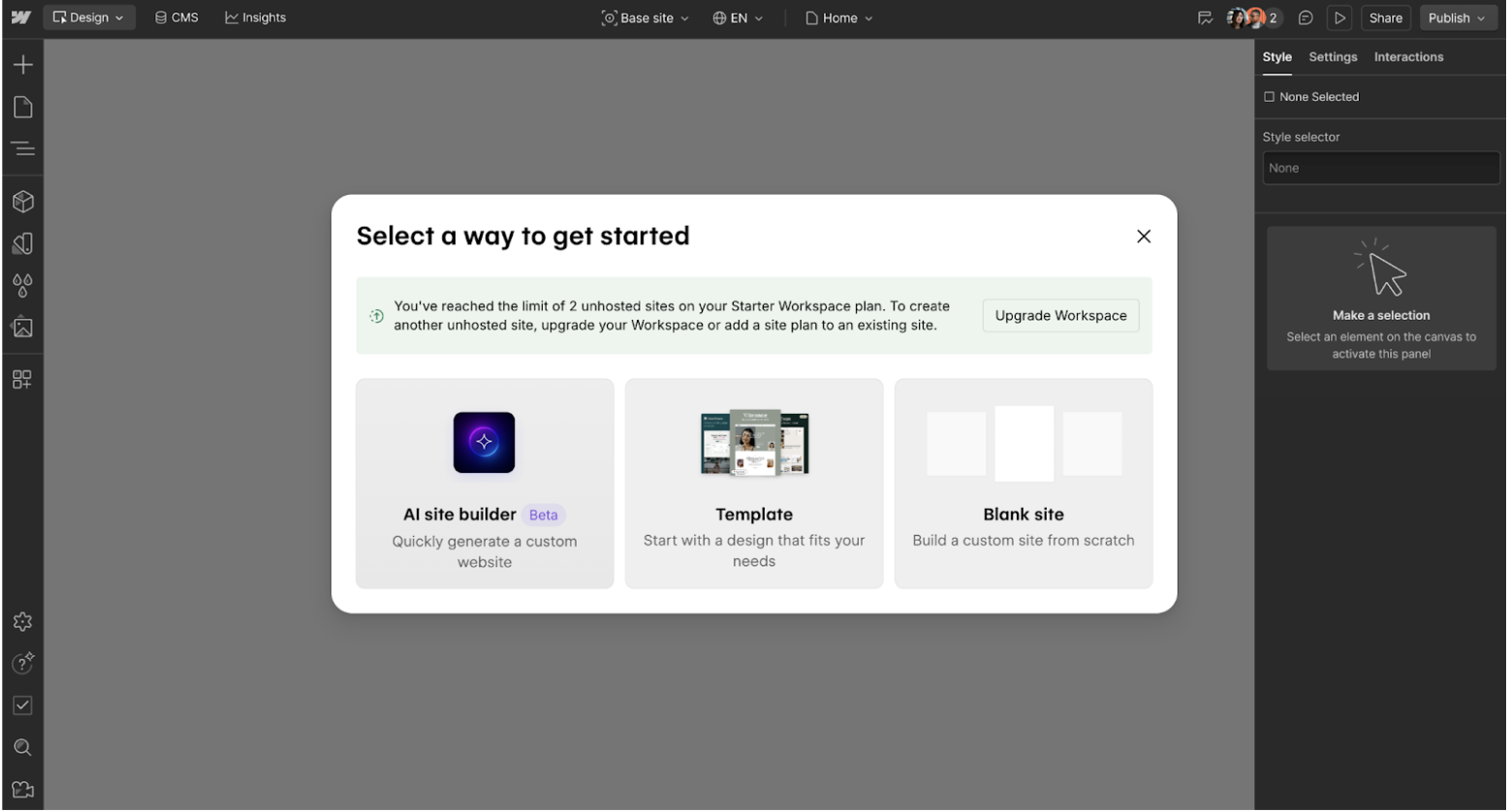
The Pros Of Webflow AI Website Builder
- Total Design Freedom: Full control over layout, style, and animations.
- Powerful CMS & Logic: Manage blogs, portfolios, and dynamic pages.
- Clean Code Output: Cleaner than standard drag-and-drop tools.
- Advanced Animations: Complex interactions and modern effects.
The Cons Of Webflow AI Website Builder
- Steep Learning Curve: Not beginner-friendly.
- Too Complex for Simple Sites: Overkill for small projects.
- Not an AI Builder: Cannot generate a site from prompts.
- Pricey for Full Features: Paid plans required for full CMS and export.
Final Verdict
Perfect for designers who want full control.
For quick AI-first sites, landinghero.ai is faster.
Durable AI Review (2026)
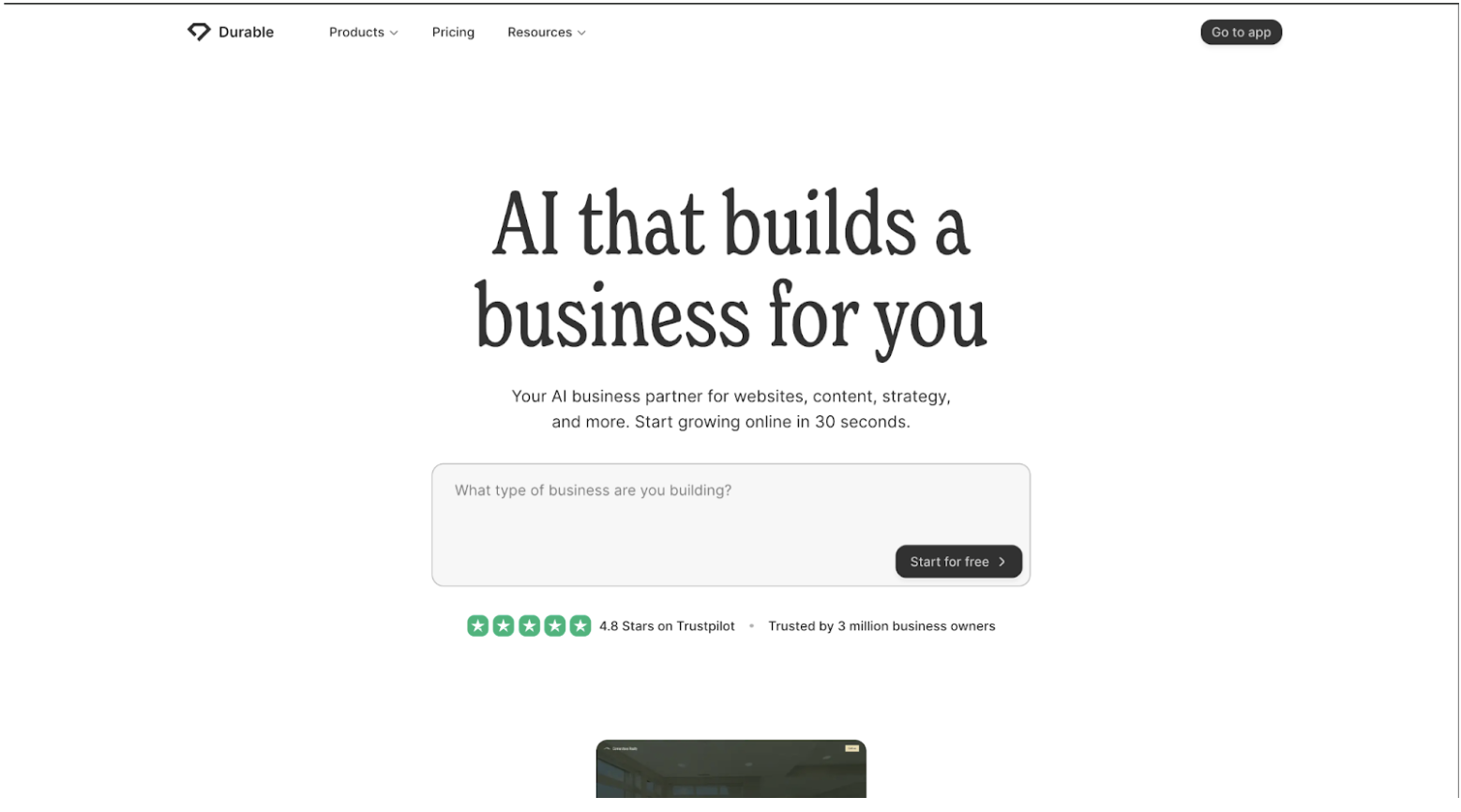
The Pros Of Durable Website Builder
- Blazing Fast Setup: Complete site in 30 seconds.
- No Skills Needed: Ideal for beginners.
- All-in-One Tools: CRM, invoicing, and AI assistant included.
The Cons Of Durable Website Builder
- Limited Customization: Cannot tweak layout deeply.
- Generic Content: AI text may feel robotic.
- Basic Features Only: Not suitable for complex sites.
- Locked Platform: Cannot export code.
Final Verdict
Great for simple sites fast.
Landinghero.ai provides more control and quality.
10Web AI Review (2026)

The Pros Of 10Web AI Website Builder
- Fast WordPress Drafts: Multi-page sites quickly generated.
- WordPress Ecosystem: Access to plugins and flexibility.
- AI Assistance: Auto text and image generation.
- Managed Hosting: Hosting handled by 10Web.
The Cons Of 10Web AI Website Builder
- Requires WordPress Knowledge: Must use Elementor for edits.
- Designs Can Be Generic: AI mimics existing sites.
- Complexity Creep: Plugin maintenance required.
- Hosting Lock-In: Migration necessary if leaving 10Web.
Final Verdict
Great for WordPress users; landinghero.ai is simpler and fully AI-first.
CodeDesign AI Website Builder Review (2026)
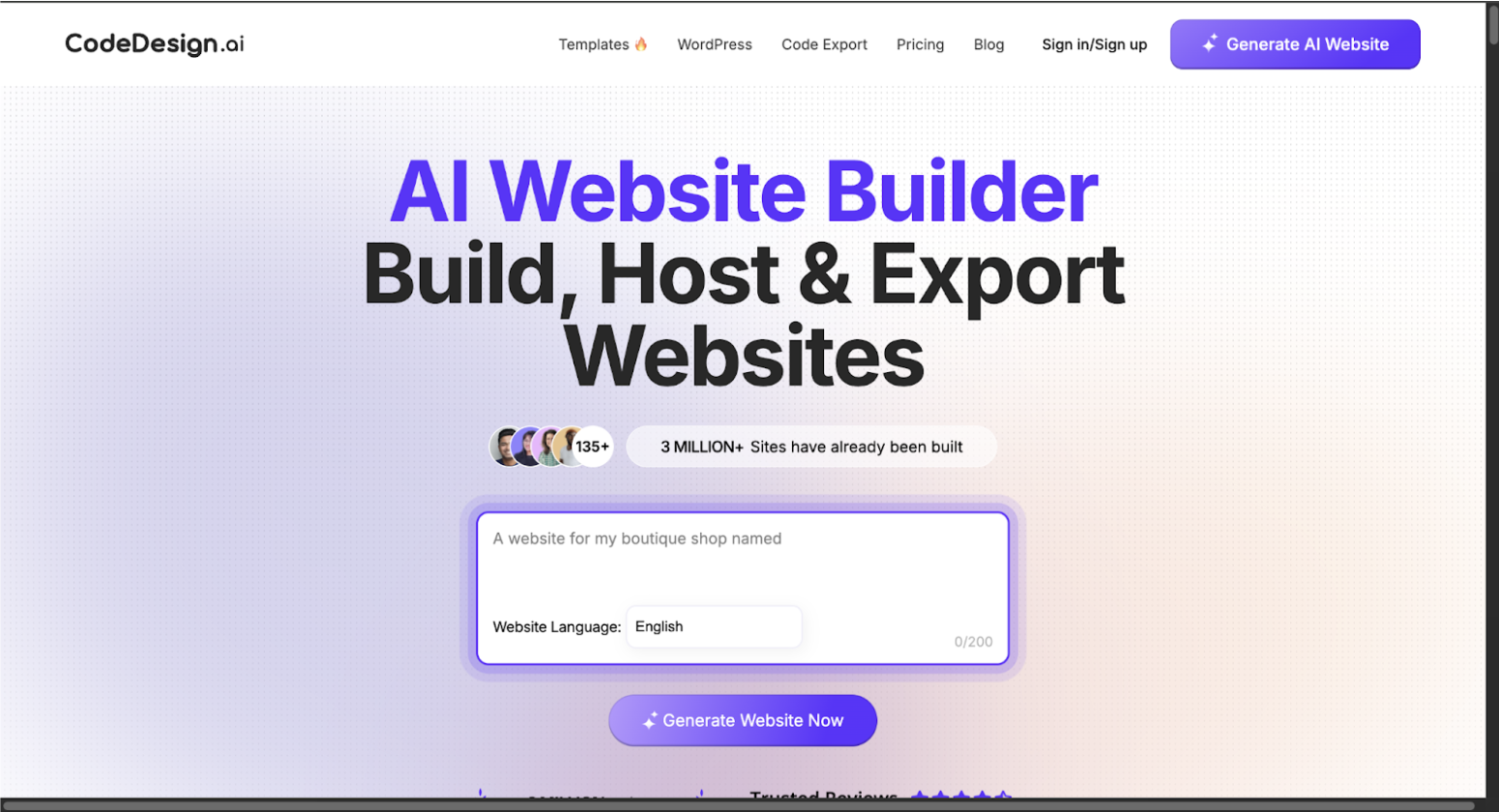
The Pros Of CodeDesign AI Website Builder
- Fast AI Drafts: Generates working site quickly.
- Easy No-Code Editing: Visual editor to customize.
- Code Export: Download site code.
- AI Content Help: Built-in AI for text rewriting.
The Cons Of CodeDesign AI Website Builder
- Editor Learning Curve: Needs some learning to master editor.
- Design Overload: Too much freedom can create messy layouts.
- Average AI Output: Requires polishing.
- Messy Code Export: Code may not be perfectly clean.
Final Verdict
Good for AI + editor control.
Landinghero.ai is simpler and more beginner-friendly.
Jimdo Dolphin AI Review (2026)

The Pros Of Jimdo Website Builder
- Super Fast Setup: Complete site in minutes.
- Beginner-Friendly: No coding required.
- Industry-Based Templates: Relevant content auto-filled.
- Mobile Ready: Fully responsive automatically.
The Cons Of Jimdo Website Builder
- Limited Customization: Minimal design tweaks allowed.
- Generic Designs: Template feel.
- Few Advanced Features: Less flexibility.
- Locked to Jimdo: Hard to export.
Final Verdict
Good for quick simple websites.
Landinghero.ai gives more control and flexibility.
Dorik AI Review (2026)
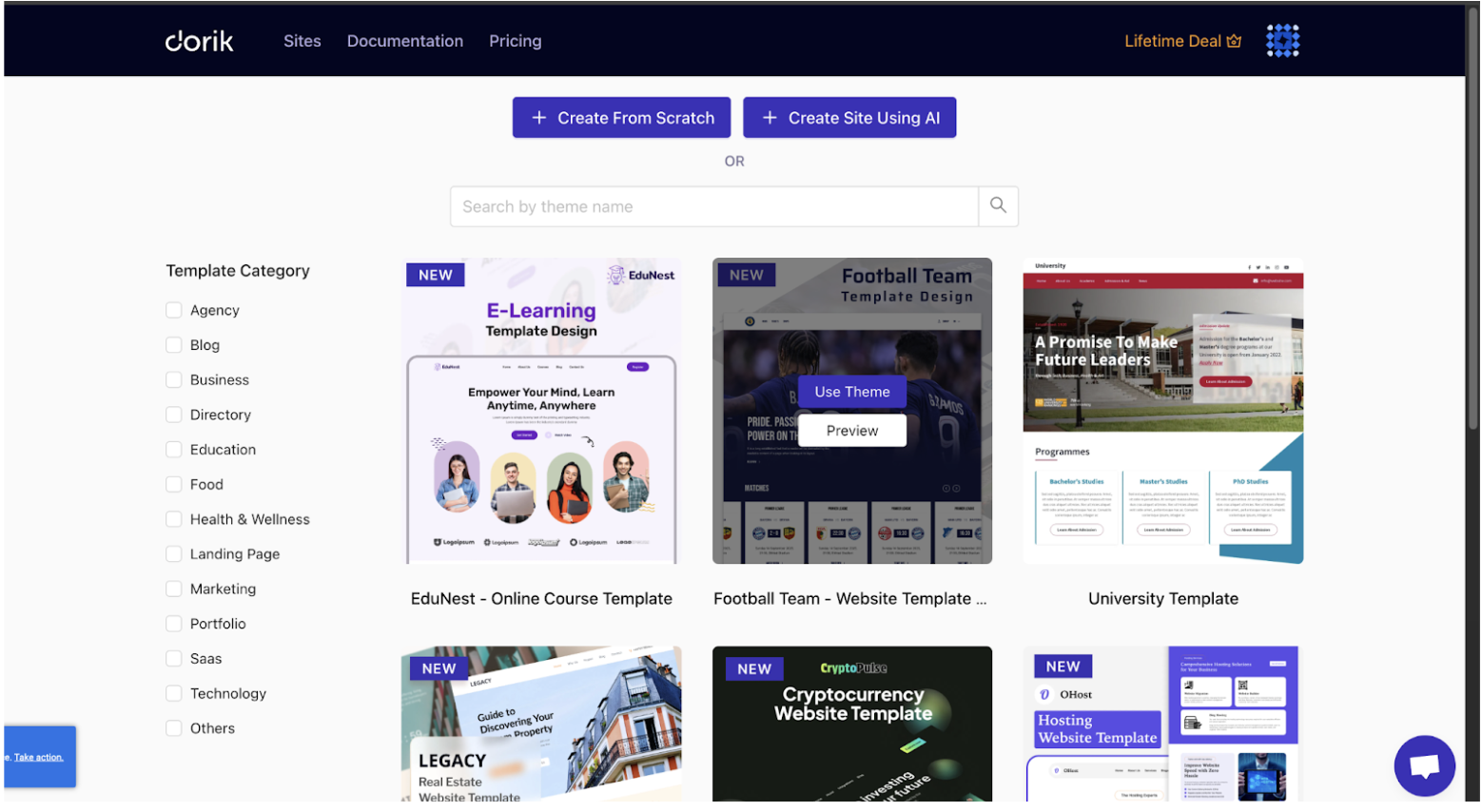
The Pros Of Dorik AI Website Builder
- Quick AI Generation
- Beginner-Friendly Editor
- Solid Template Collection
- Built-in AI Tools
The Cons Of Dorik AI Website Builder
- Need to Learn Editor
- AI Output Feels Basic
- Limited Customization
- Platform Lock-In
Final Verdict
Dorik AI is fast to start, but landinghero.ai removes extra steps.
Chariot AI Review (2026)
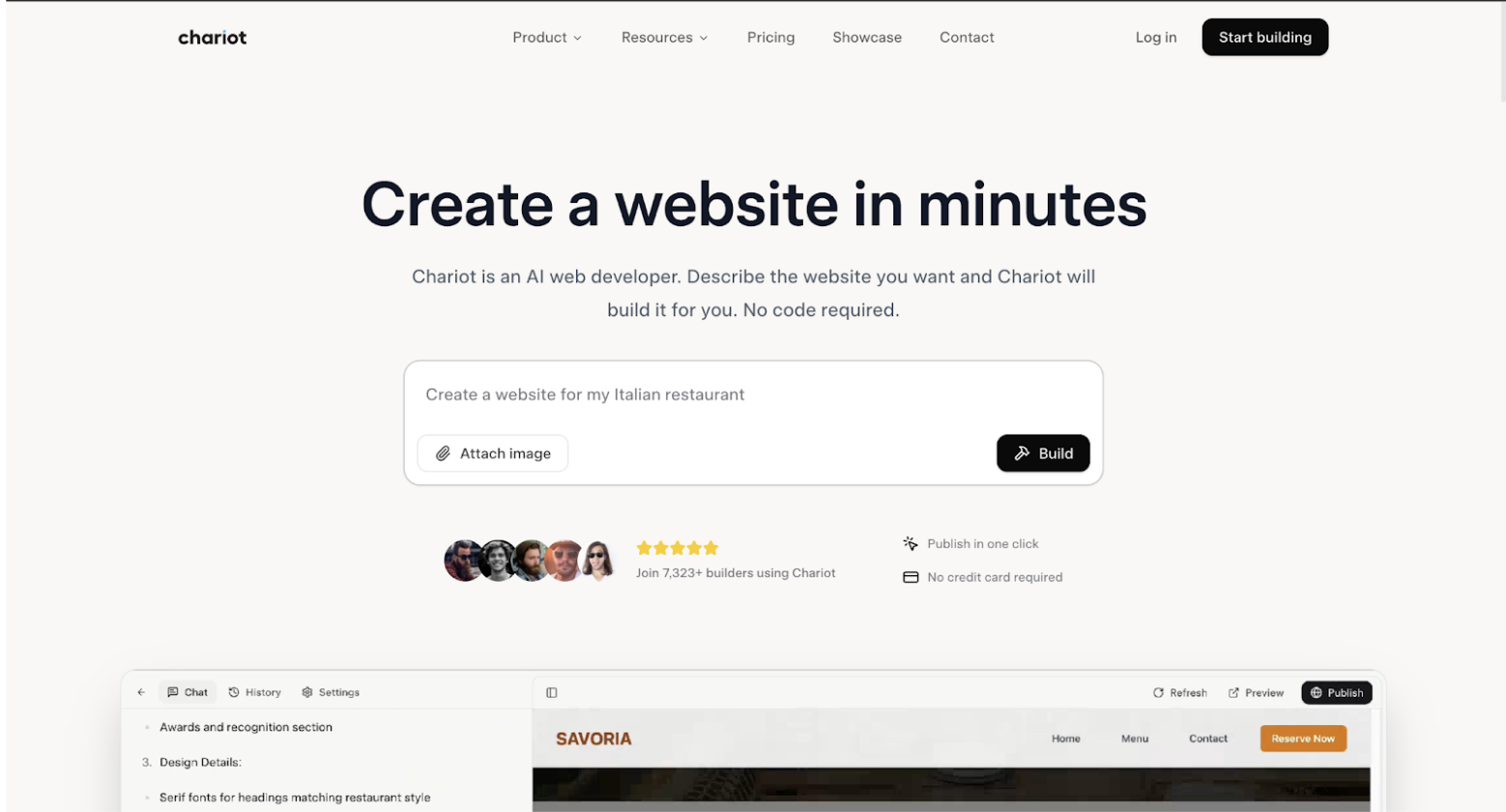
The Pros Of Chariot AI Website Builder
- Super-Fast Generation: Full website draft in minutes.
- True Text-to-Website Creation: Provide prompts; AI builds.
- AI Text and Images Included: Auto content generation.
- Everything Needed to Launch: Basic layouts, forms, and buttons.
The Cons Of Chariot AI Website Builder
- Limited Customization: Few layout/style options.
- Generic Designs: Looks similar across sites.
- Average Content Quality: Needs manual polish.
- Platform Lock-In: Cannot export website code easily.
Final Verdict
Chariot AI is fast but limited in control.
For full flexibility, landinghero.ai is better.
AI Website Builders Comparison (2025)
| Feature | Wix AI Builder | LandingHero.ai | Framer AI | Landingsite.io | Webflow (+ AI) | Durable AI | 10Web AI | CodeDesign.ai | Jimdo Dolphin AI | Dorik AI | Chariot AI |
|---|---|---|---|---|---|---|---|---|---|---|---|
| Primary Editor | Classic drag-and-drop | AI-focused tools | Visual Canvas | Simple editor | Advanced Visual Designer | Section editor | Elementor AI | Drag-and-drop | Basic section editor | Drag-and-drop | Simple editor |
| Target User | Beginners | Speed, simplicity & quality | Designers | Quick landing pages | Designers/Agencies | Small business | WordPress users | AI + No-Code users | Absolute beginners | AI start + Easy editor | Max speed |
| Customization | Very High | High | Very High | Moderate | Extremely High | Low-Moderate | High | High | Very Low | Moderate-High | Low-Moderate |
| Key Pro | AI start + editor | True text-to-site speed | Design control | Landing pages | Creative control | Fast setup | WordPress AI | Code export | Easy for beginners | Balanced AI + No-Code | Fast generation |
| Key Con | Editor overwhelming | - | Complex for non-designers | Landing pages only | Complex & expensive | Limited customization | WordPress dependency | Needs learning | Limited design | Needs editor learning | Refinement unclear |
| Custom Domain? | Yes (Paid) | Yes | Yes | Yes | Yes | Yes | Yes | Yes | Yes | Yes | Yes |
| Platform Lock-in? | Yes | Yes | Yes | Yes | Yes | Yes | No | No | Yes | Yes | Yes |
| Pricing (Starts) | Free/$17 | $9/month | Free/$5 | $19 | Free/$14 | $12 | $10 | Free/$9 | Free/$9 | $7.50 | $10 |
Final Thoughts
Landinghero.ai combines speed, simplicity, and flexibility. It takes your text prompts directly to live websites without forcing you to learn complex editors.
Whether you’re a beginner, a marketer, or a busy entrepreneur, landinghero.ai ensures your website is ready faster, cleaner, and fully customizable.